
Who can use this
A working email address and a password of at least 10 characters.
Steps
- Open Create account from the My Blurbly home page or go to the Join Free page.
- Enter your email address, create a password with at least 10 characters, and enter it again.
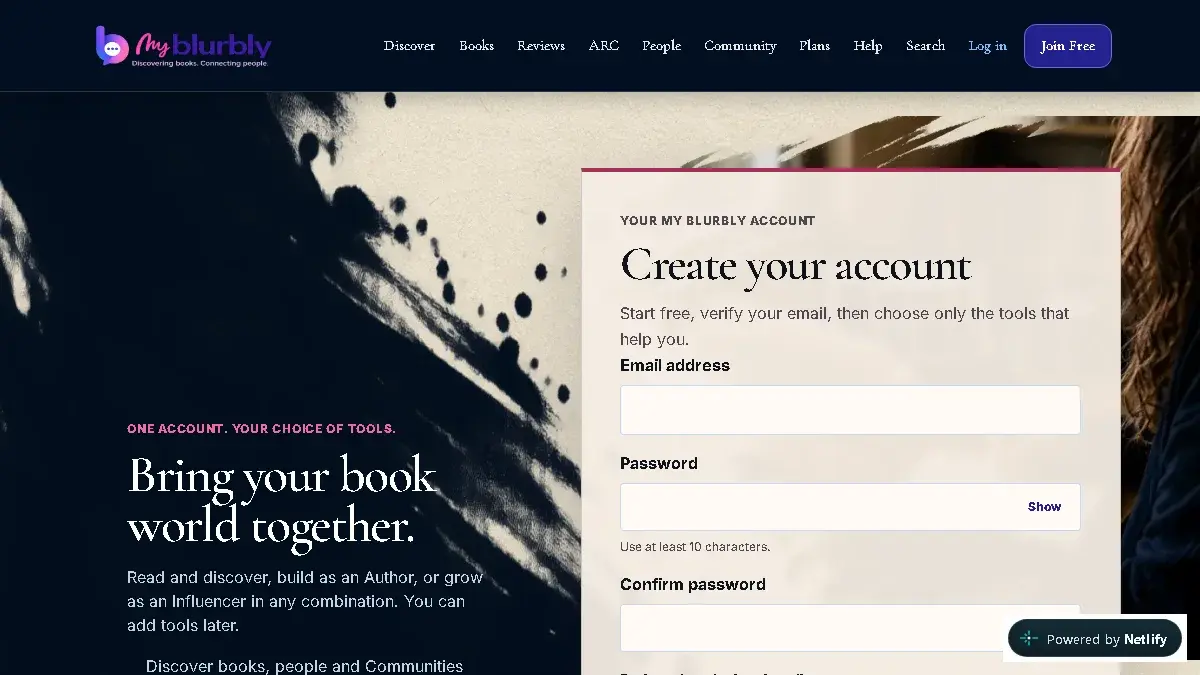
Create one account on the live V7 site. Product news remains optional. - If you received a referral code, enter it in the optional Referral code field.
- Choose whether you want occasional product news and offers. This is optional and starts off.
- Select Create account, then check your inbox for the verification message.
What happens next
My Blurbly creates an unverified account and sends you to the email-verification step.
Common problems
- The email is already registered.
- Use Sign in. If you do not remember the password, request a password-reset link.
- The password is rejected.
- Use at least 10 characters and make sure both password fields match.