Who can use this
An account created with an email address you can access.
Steps
- Open the message from My Blurbly in the inbox for the address you registered.
- Open its verification link. The My Blurbly Verify your email page will appear.
- Select Verify email.
- If the message did not arrive, open Need another message?, enter your email, and select Resend verification.
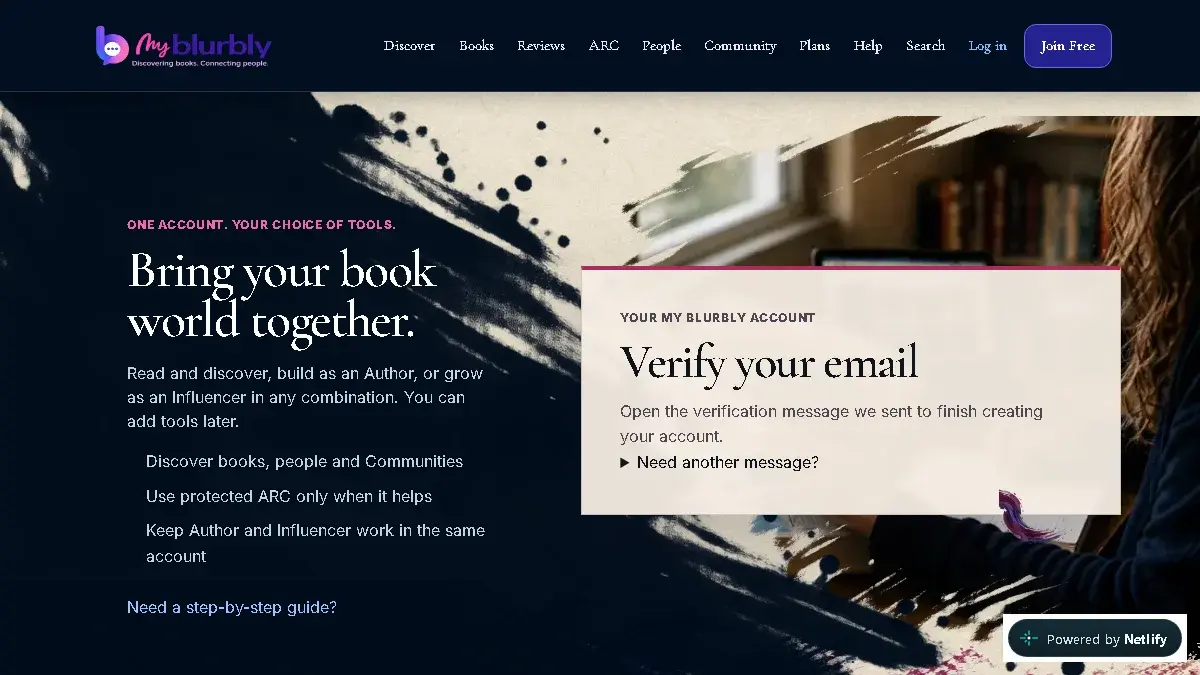
Use the live verification page after account creation or when requesting another message.
What happens next
Your email is verified and My Blurbly takes you to the first onboarding step.
Common problems
- The message is missing.
- Check spam or junk first, confirm the address is correct, then resend the message.
- The link is old or invalid.
- Request a new verification message and use only the newest link.