
Who can use this
None. Discover is public.
Steps
- Open Discover Books.
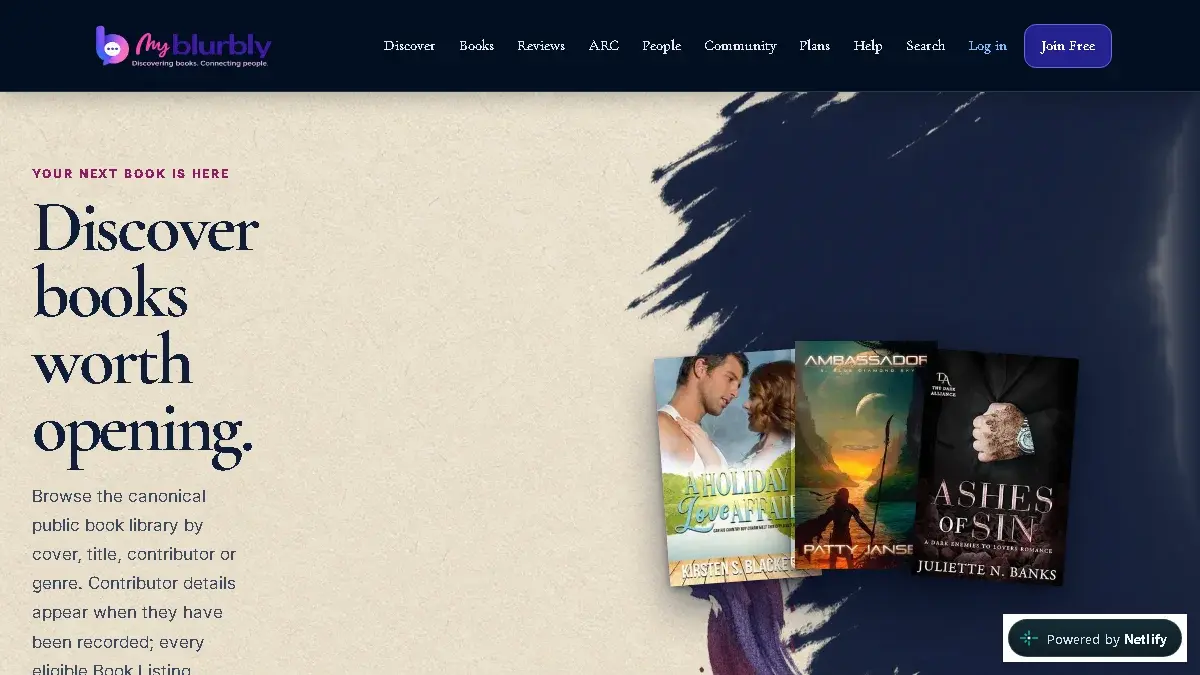
Browse and search the current public book catalogue. - Enter a title, contributor, summary keyword or genre in Search public books.
- Choose Genre, Sort or the optional ARC available filter only when it helps.
- Select Find books.
- Open a cover or title to inspect the Book, or use Load more books when offered. Your search and filters stay in place.
What happens next
Discover shows matching public book listings and keeps the selected query, filters and sort order in the page address.
Common problems
- No matching books appear.
- Check spelling, remove the genre filter, or clear the search to return to the full catalogue.
- A known book is missing.
- It may not be published in the public catalogue yet. Contact support with the title and author.