
Who can use this
Access to the email address on your account.
Steps
- Open the sign-in page and select Forgot password?.
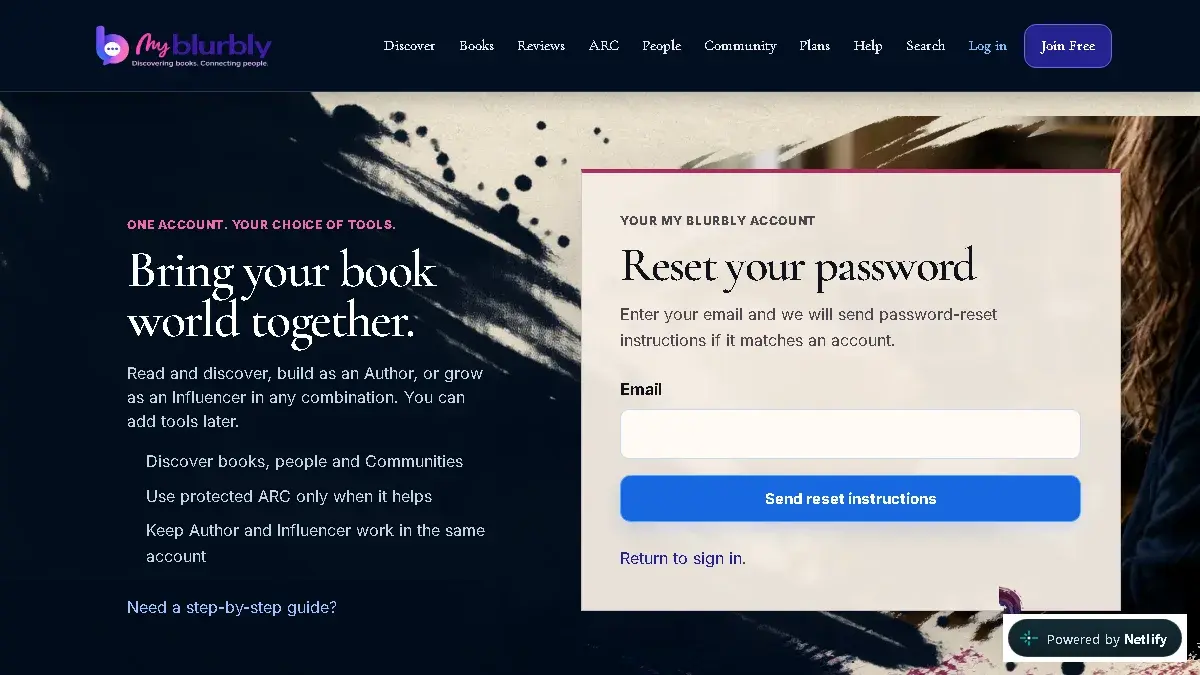
Enter the account email to request a password-reset message. - Enter your account email and select Send reset instructions.
- Open the newest reset message in your inbox.
- Enter a new password of at least 10 characters twice, then select Change password.
- Sign in with the new password.
What happens next
Your old password stops working and the new password signs you in.
Common problems
- No reset message arrives.
- Check spam or junk, wait briefly, then submit the request again with the exact account email.
- The page says the link is missing or no longer valid.
- Return to Forgot password and request a new link.