Who can use this
None.
Steps
- Search this Help Centre using the task, page name or error wording.
- Check Platform Status if the problem affects more than one page or looks like a service interruption.
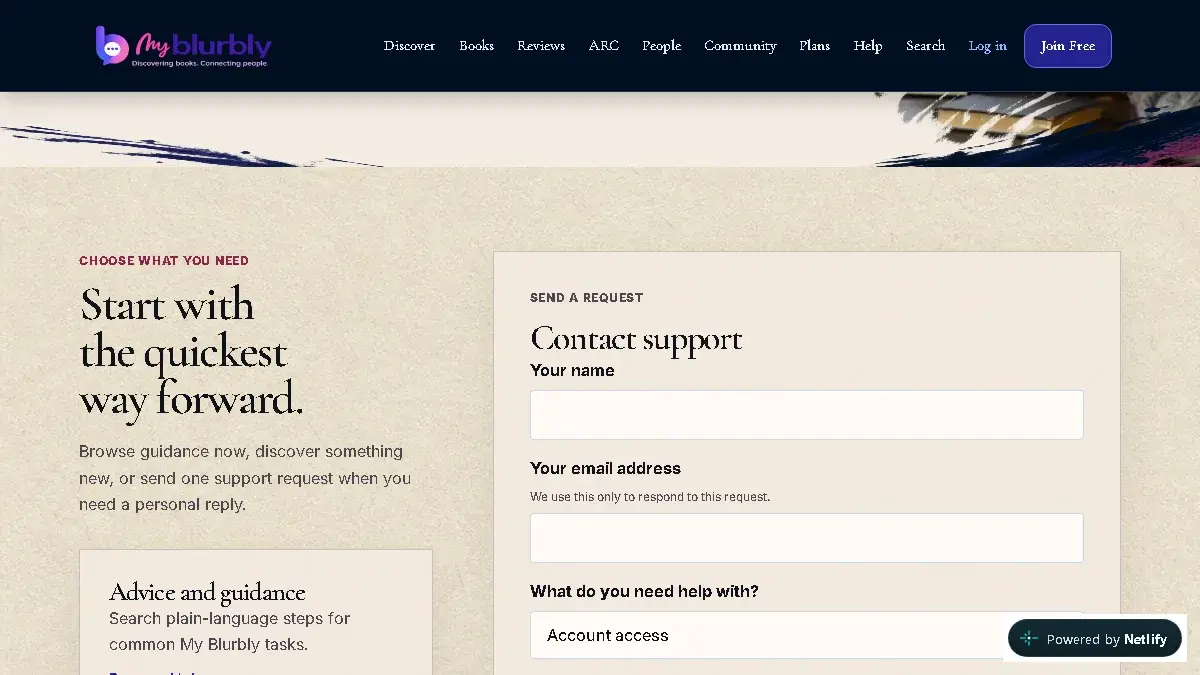
Choose the right support category and protect private information when asking for help. - For community content, use the in-context report option whenever it is available.
- Open Contact My Blurbly for account, privacy, safety, Author or Influencer help.
- Describe what you tried, the page address, what you expected and what happened. Include a safe screenshot only if it contains no private data.
What happens next
You either solve the issue with a current guide or provide enough safe context for support to investigate.
Common problems
- The contact page does not offer the required submission method yet.
- Use the Founding Member invitation channel that contacted you and include the same safe diagnostic details.
- The issue involves immediate safety risk.
- Use the closest in-product report/block control and follow the Safety page guidance. Contact local emergency services when there is an immediate real-world danger.